Document register
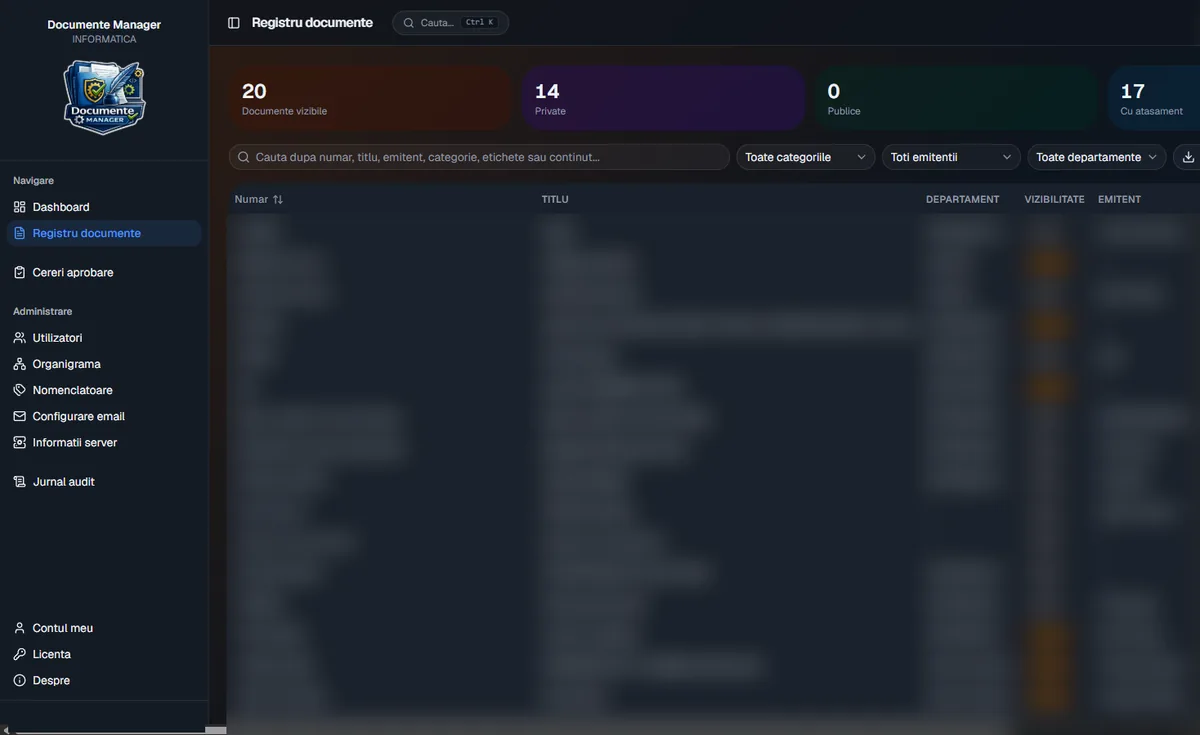
Every document in one table, searchable by number, title, sender, category, tags or content, with category, sender and department filters and CSV export for Excel.
Document register · Windows app
Documente Manager is a Windows desktop application backed by its own server on the institution's network. It brings every document into one register, with access rights enforced on the server, scanning and OCR, an approval workflow for changes, contract expiry reminders and an audit log.
Problem
Without a shared register, an organisation's documents end up living parallel lives: in paper books, in each department's spreadsheets and in network folders with no access rules.
Solution
Documente Manager has two parts. The server is installed once, on a computer or server inside the institution, and stores documents, users and the audit log. The desktop app is installed on employees' computers and connects to the server over encrypted HTTPS.
Each user sees exactly what they're allowed to see: permissions are checked on the server for every request, not merely hidden in the interface. Changes made by operators go through manager approval, and every important action is kept in the audit log. The interface is a native Windows app in Romanian, with light and dark modes.
Features
From registering a document to internal control, in a single application.
Every document in one table, searchable by number, title, sender, category, tags or content, with category, sender and department filters and CSV export for Excel.
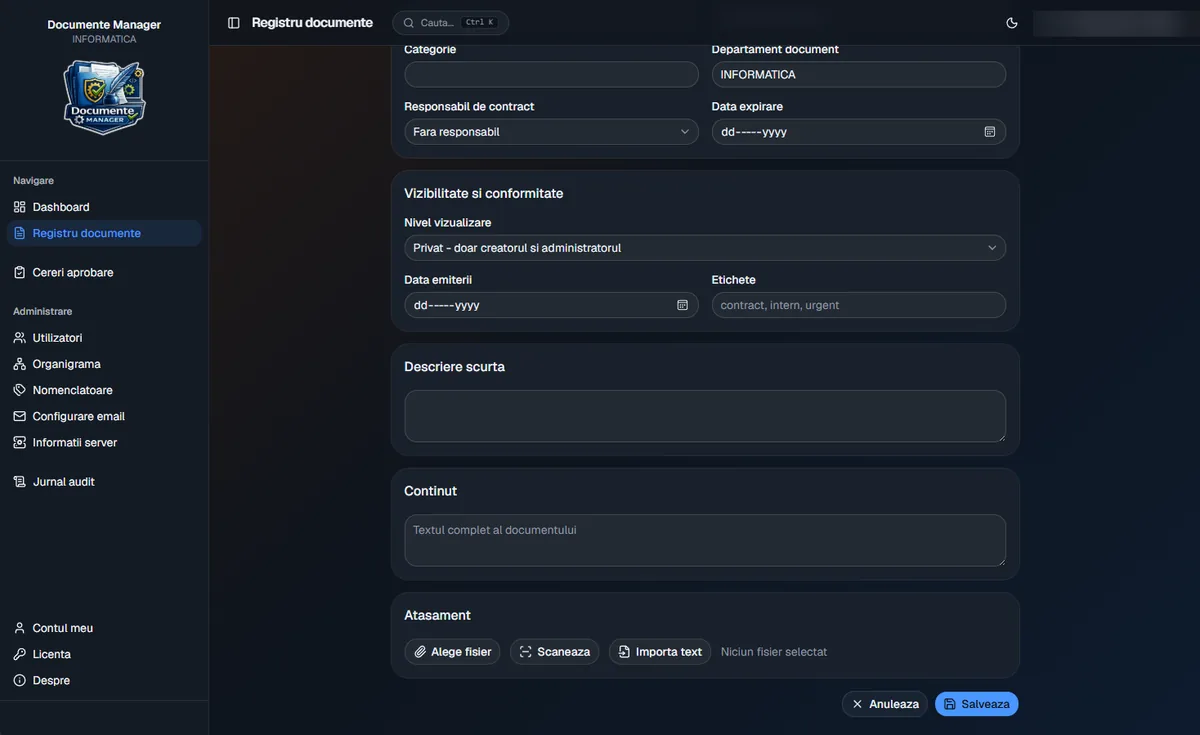
Each document is public, hierarchical (department level) or private, set at the moment it is registered.
A form with the usual fields of an incoming and outgoing register: number, title, sender, category, department, issue and expiry dates, contract owner and tags, with suggestions from existing catalogues.
Attach files or scan straight from the office scanner, with multiple pages merged automatically into one PDF and text recognition (OCR) so the document becomes searchable.
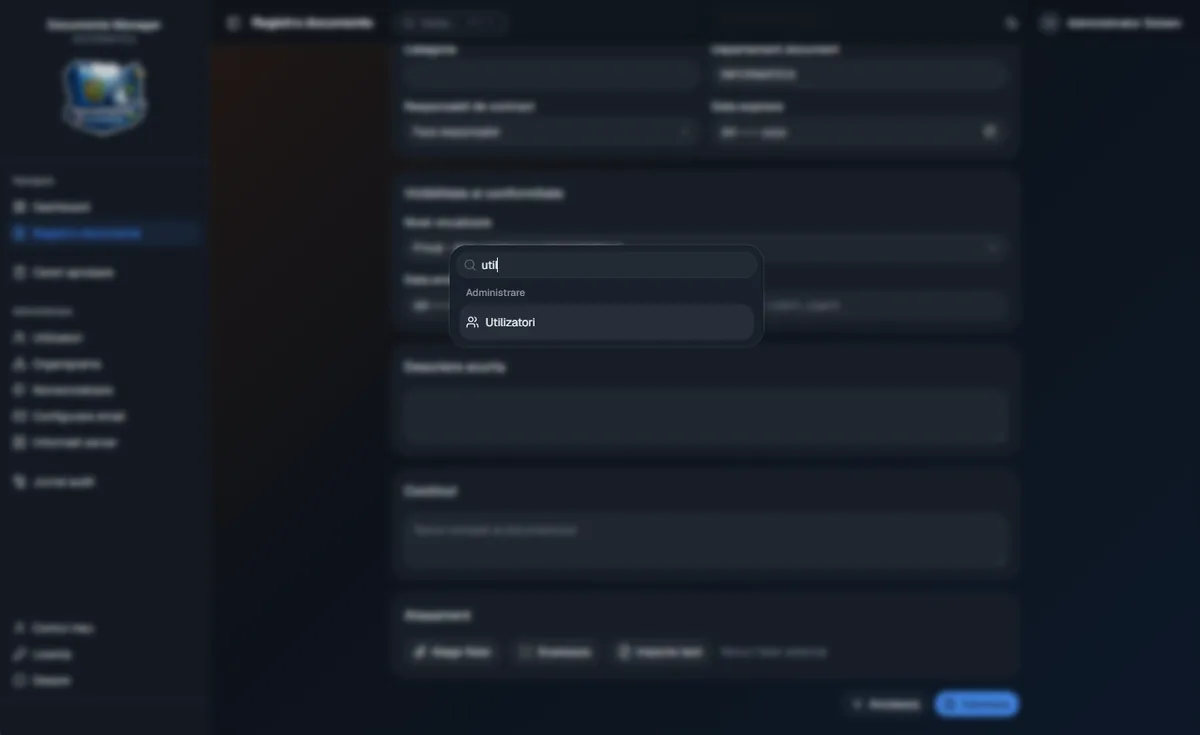
From any screen, one shortcut opens a universal search across documents and app sections.
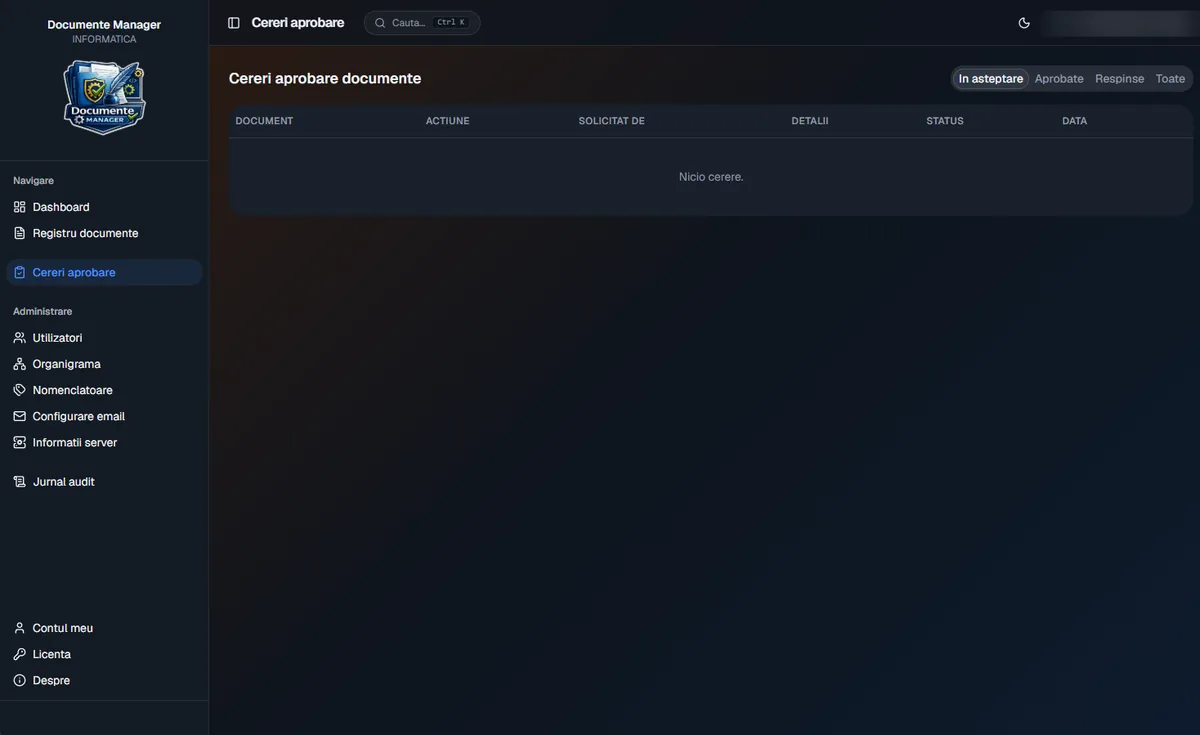
Edits and deletions by operators become requests to their line manager, who sees exactly what changed in plain language and approves or rejects, with an optional reason.
The hierarchy the app actually uses for permissions and approvals, including matrix reporting where one person has several managers.
Senders, categories, departments and tags kept clean and consistent; when a value is renamed, existing documents can be updated automatically.
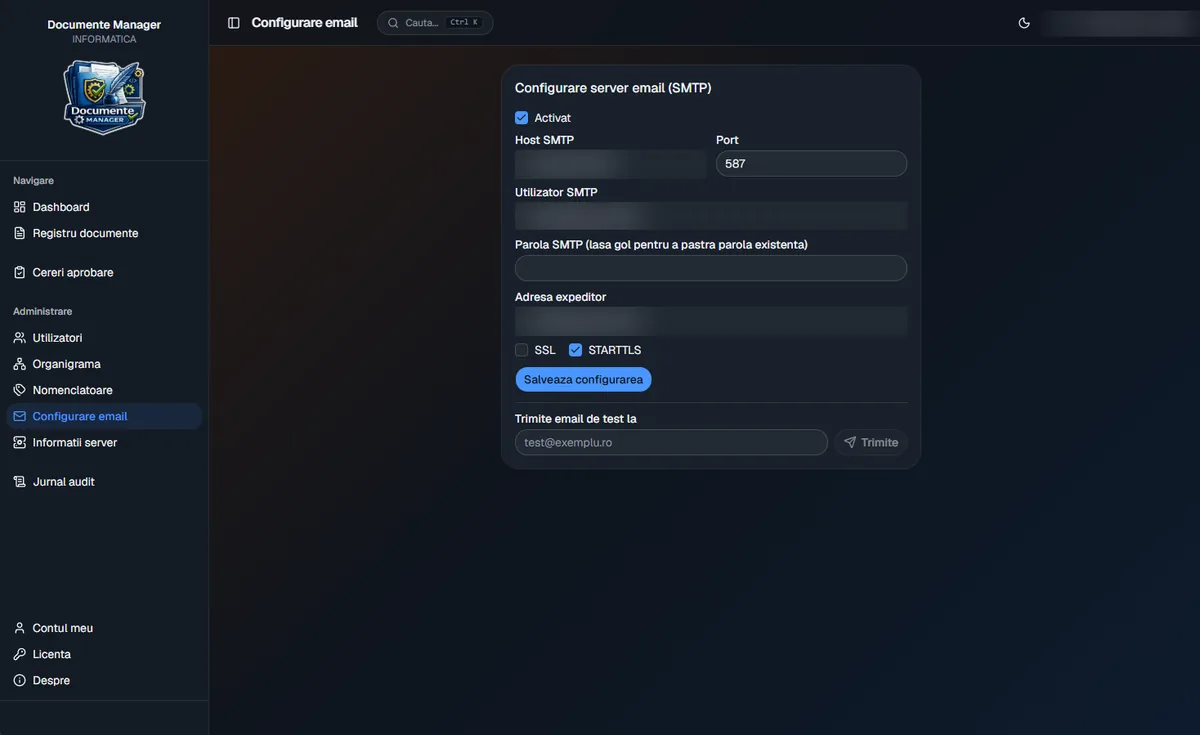
Through the institution's own mail server (SMTP with SSL or STARTTLS): reminders 30, 15, 10 and 5 days before a contract expires and on the day itself.
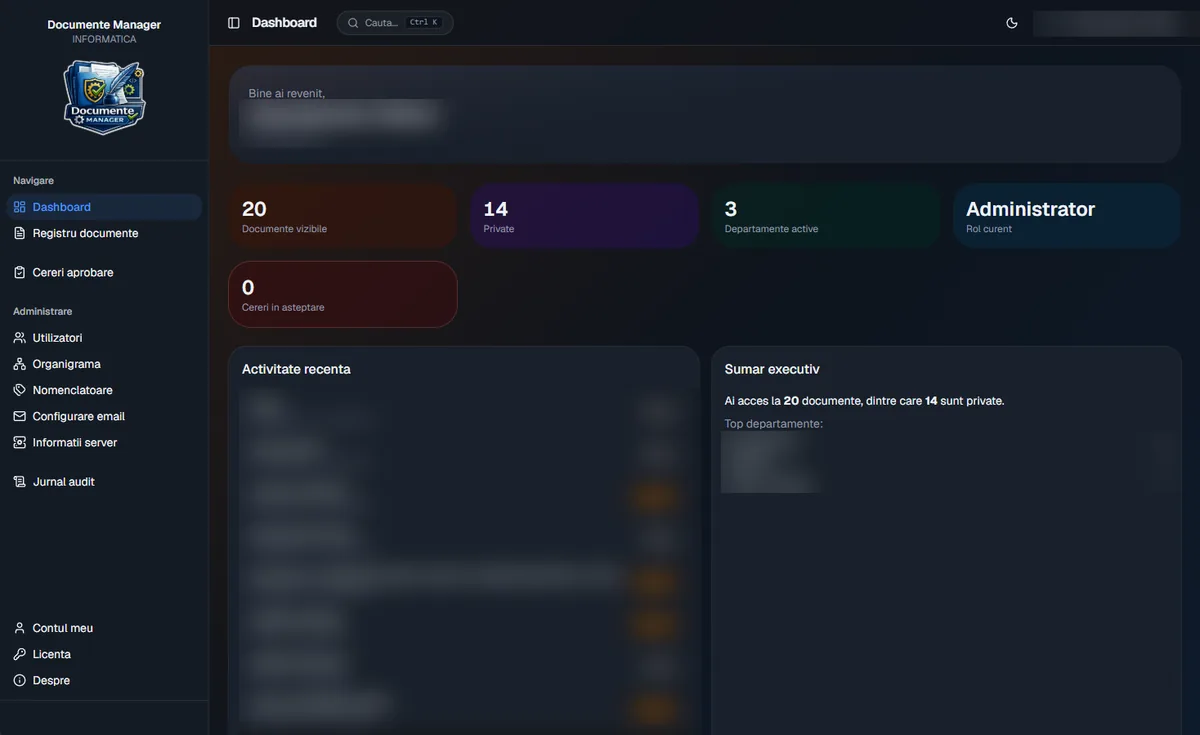
Accessible documents, active departments, current role, pending approval requests and recent activity, right when the app opens.
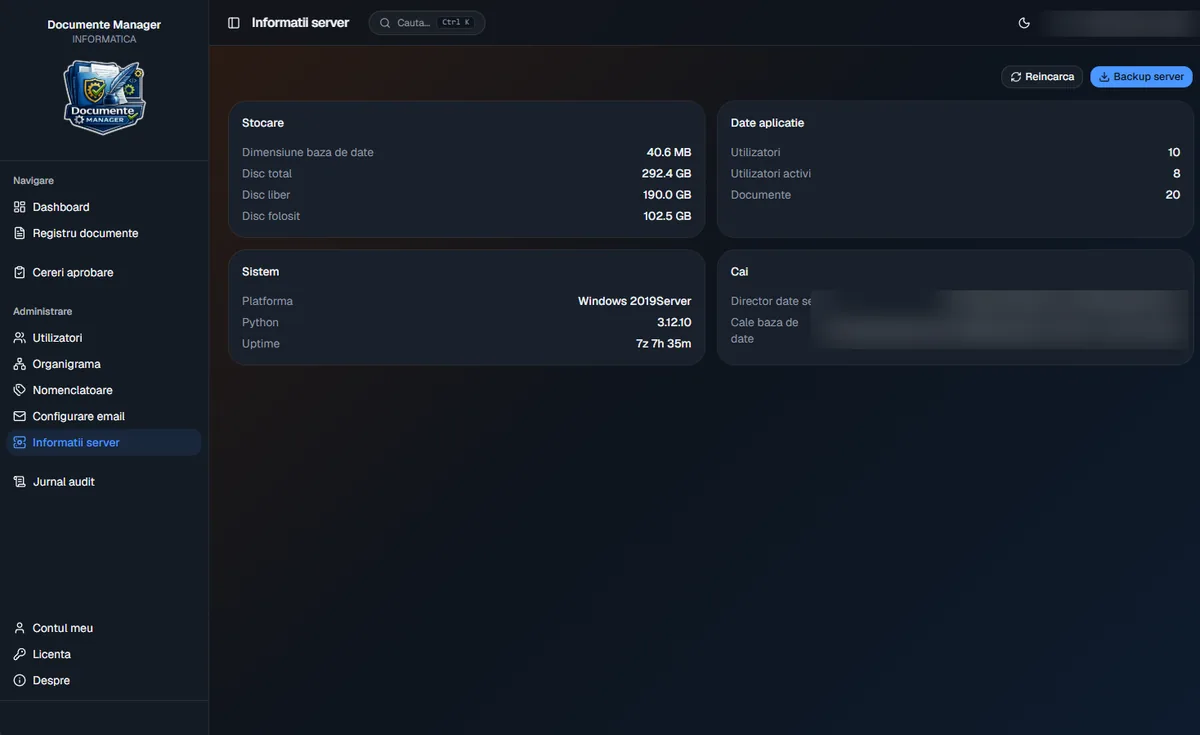
Database size, free disk space, user and document counts, plus a full backup download in one click.
Licence status, plan and remaining days are always visible, and a new key can be activated from inside the app.
Security
Access rights are enforced on the server, and the action history can't be deleted from the app.
All traffic between the desktop app and the server is encrypted, with username and password sign-in and a secure session.
Every request is checked on the server against the user's role: administrator, manager, operator or viewer.
Remembered passwords and sessions are kept in Windows Credential Manager, never in text files.
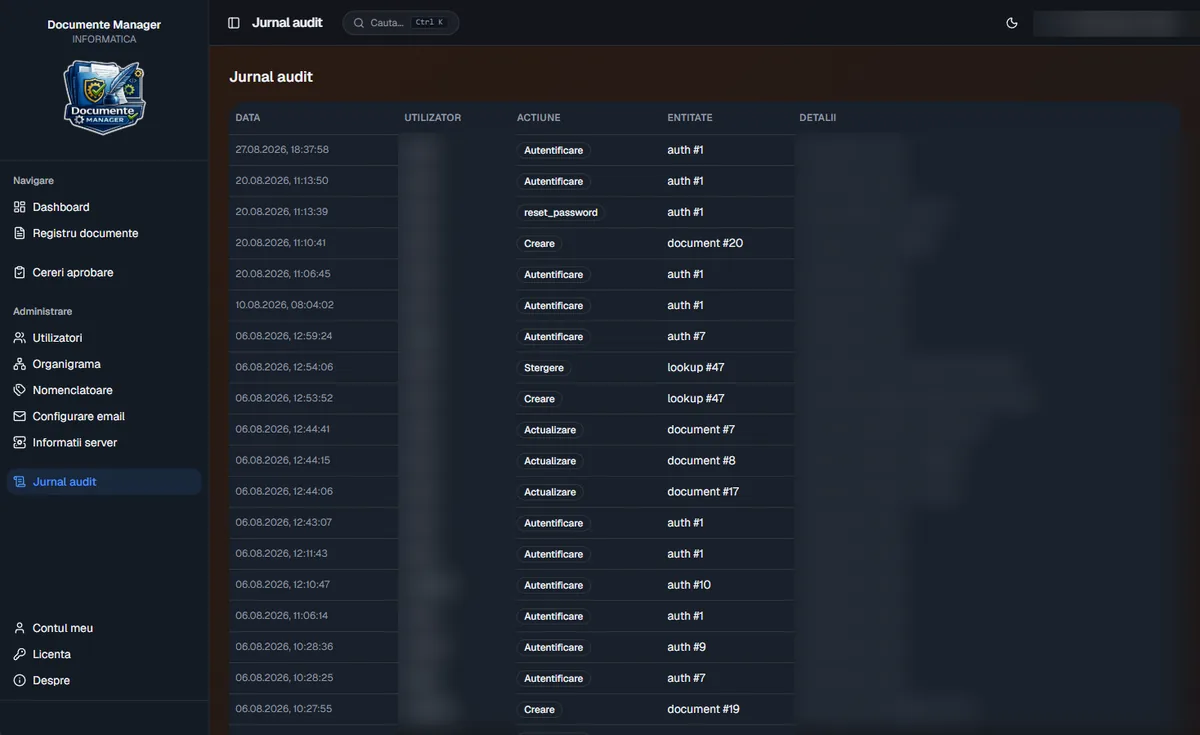
Date and time, user, action and target document for sign-ins, creations, edits, deletions and password resets. Entries cannot be deleted from the app.
The server runs on your own network: no cloud subscription and no documents handed to third parties. It works without internet access, too.
Administrators can download a complete backup straight from the app.
Deployment
No database licences or other third-party products required.
The server installs as a Windows service that starts automatically, then the structure is imported: departments and users.
Set up the mail server and the catalogues: senders, categories, departments and tags.
The app is installed on each computer, and user training usually takes under an hour.
On request, your existing Excel register is imported. Updates ship as an installer, with no reconfiguration.
Gallery
Real screenshots from the application. Operational data has been intentionally blurred.
FAQ
Yes. The server runs on the institution's local network and the desktop app connects to it. No cloud and no subscription are needed.
Yes. Your current Excel register can be imported on request during roll-out.
Your existing office scanner works directly as long as it supports the WIA standard, with no extra software.
Administrators and managers, depending on their role. Operators can register documents, but their edits and deletions become requests that a manager has to approve.
We'll walk you through the software and tailor it to your processes. Write to us or call 0740 902 102.
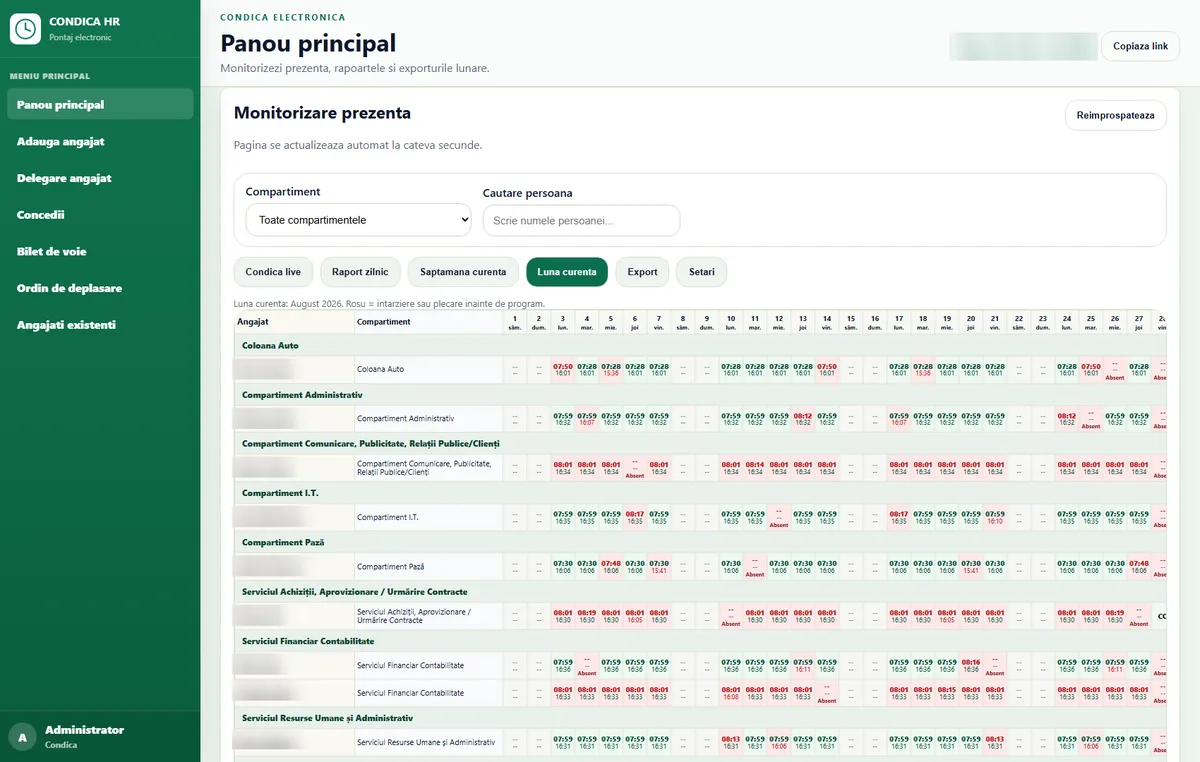
PIN and photo clock-in on an entrance tablet, monthly reports by department, leave tracking and data kept on-premise, with no cloud.
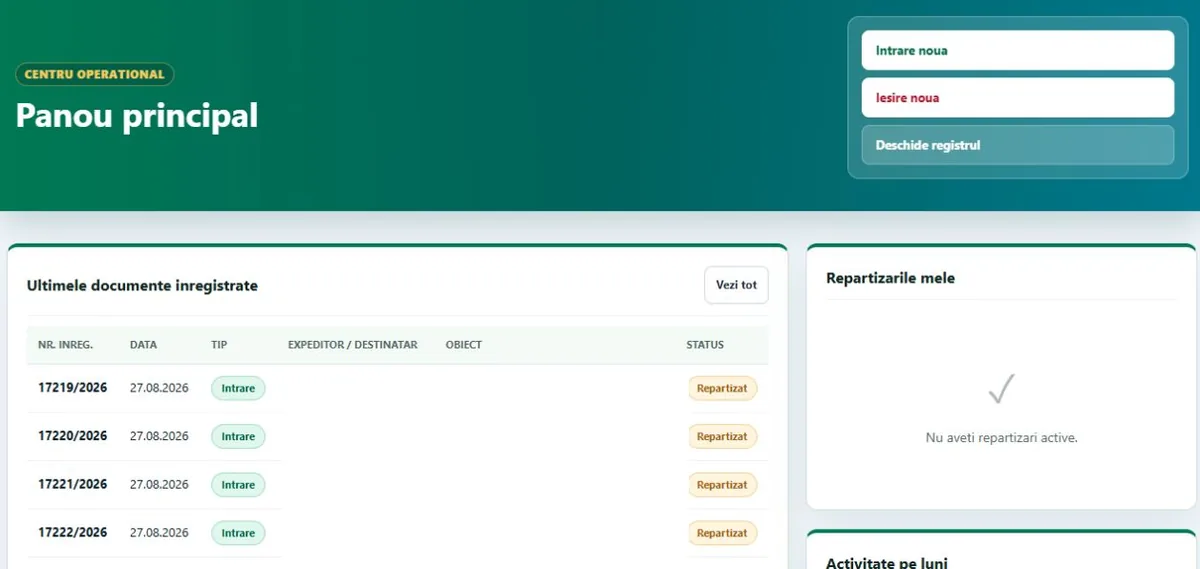
One incoming/outgoing register with automatic numbering, deadlines, overdue documents, Excel/PDF reports and an audit log.
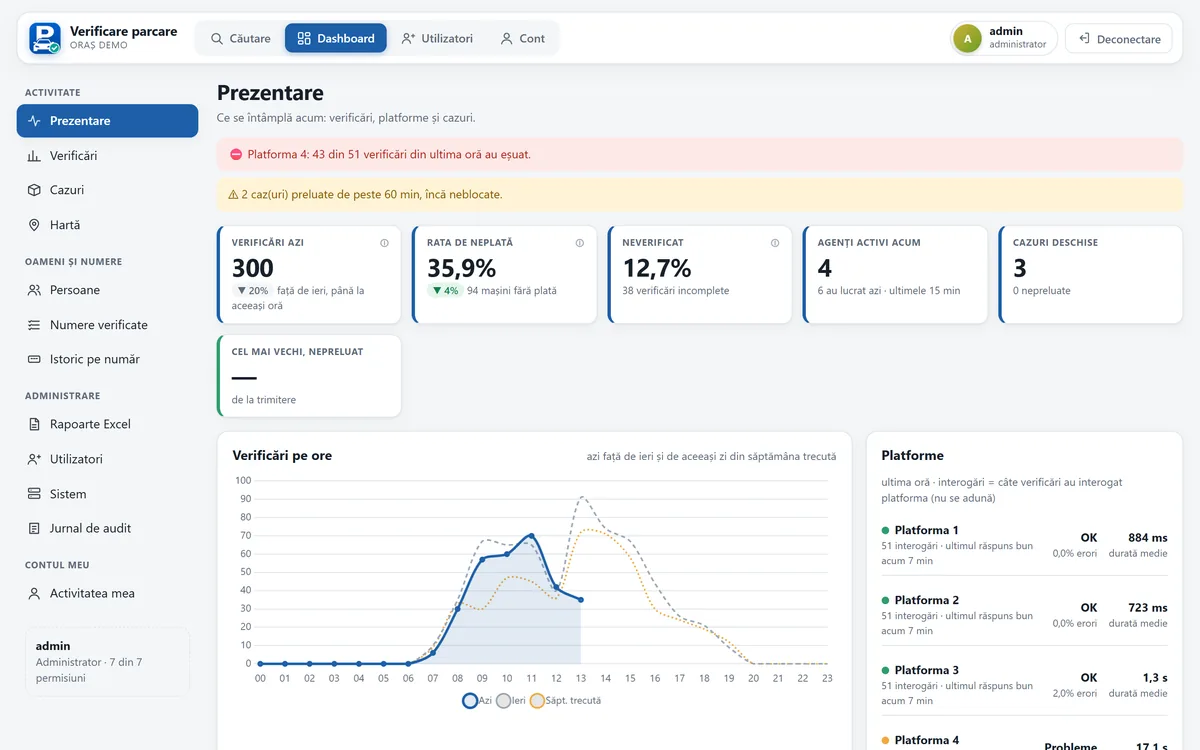
Checks every parking payment platform at once, reads number plates on Android, runs the wheel-clamping workflow, with dashboard and reports.