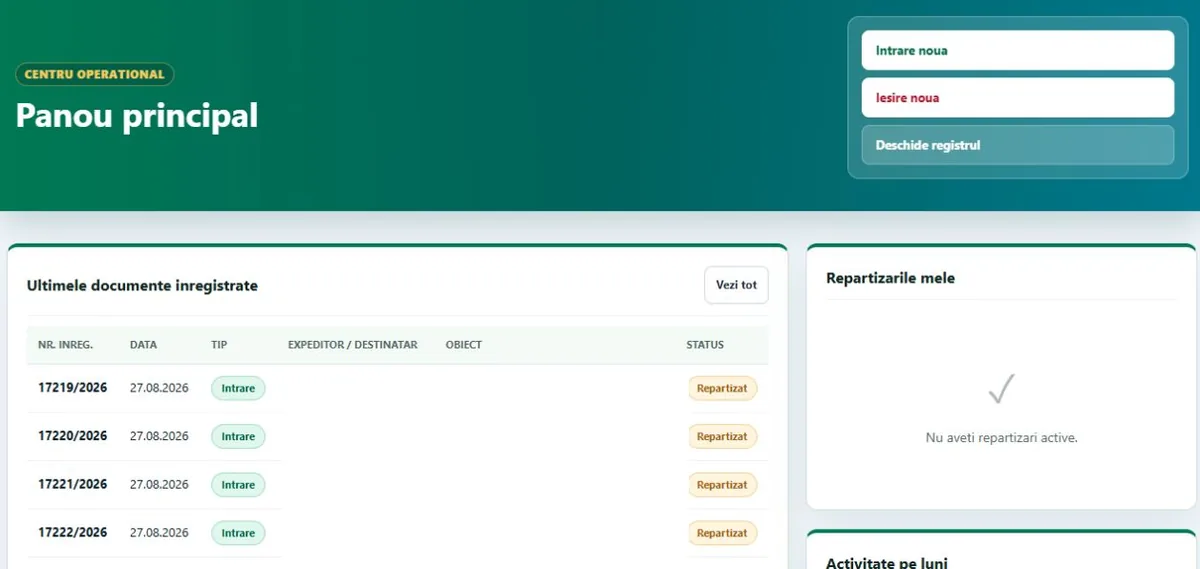
Main dashboard
The latest registered documents, your own assignments and monthly activity indicators, with one-click access to new incoming, new outgoing and the register.
Document registry · Public sector
A platform that replaces paper registers and the spreadsheets each department keeps on the side: one register for incoming, outgoing and internal documents, with deadlines, assignments, reports and an audit log. Management can see at any moment what has been registered, what is in progress and what is overdue.
Problem
In many institutions, the registry office still runs on a paper book, separate spreadsheets in every department and follow-up emails. The information exists, but never in one place.
Solution
The platform brings every document into a single electronic register, with registration numbers assigned automatically for both incoming and outgoing mail. Each entry records the sender or recipient, the external number and date, the subject, the deadline, the responsible department, the internal recipient and any attachments.
Alongside the full register, the platform automatically separates urgent documents that are past their deadline and those still in progress, so nothing important gets buried in the list. Reports and statistics for management take a few clicks and export to Excel or PDF.
Features
The whole registry workflow, from registration to reporting.
The latest registered documents, your own assignments and monthly activity indicators, with one-click access to new incoming, new outgoing and the register.
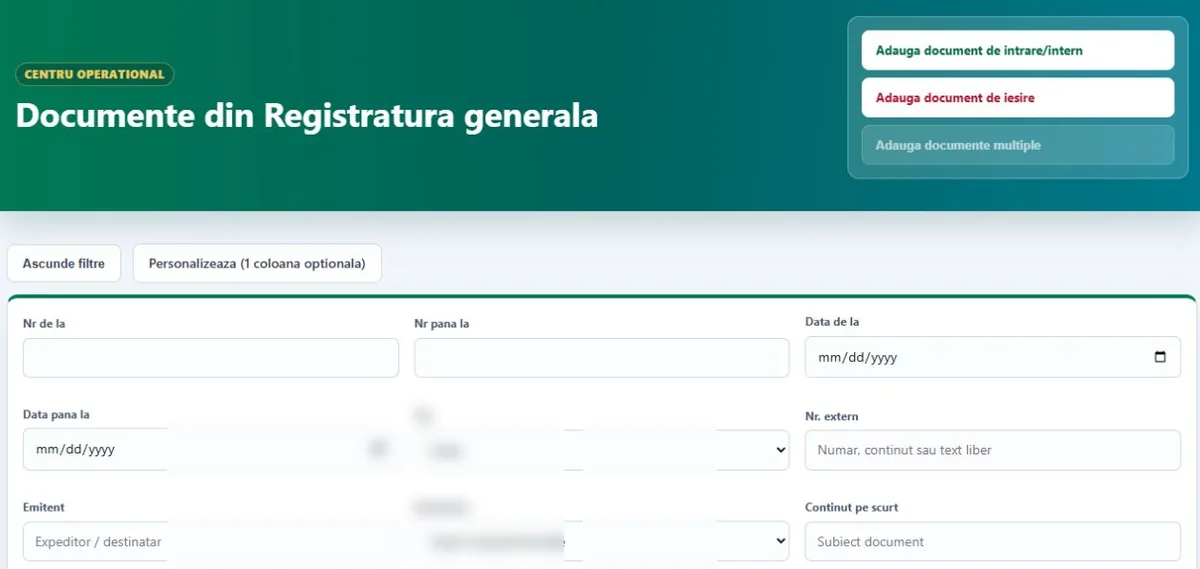
A central list with numbers, dates, status, attachments and actions, filterable by period, direction, sender, recipient, content and year. Columns can be customised.
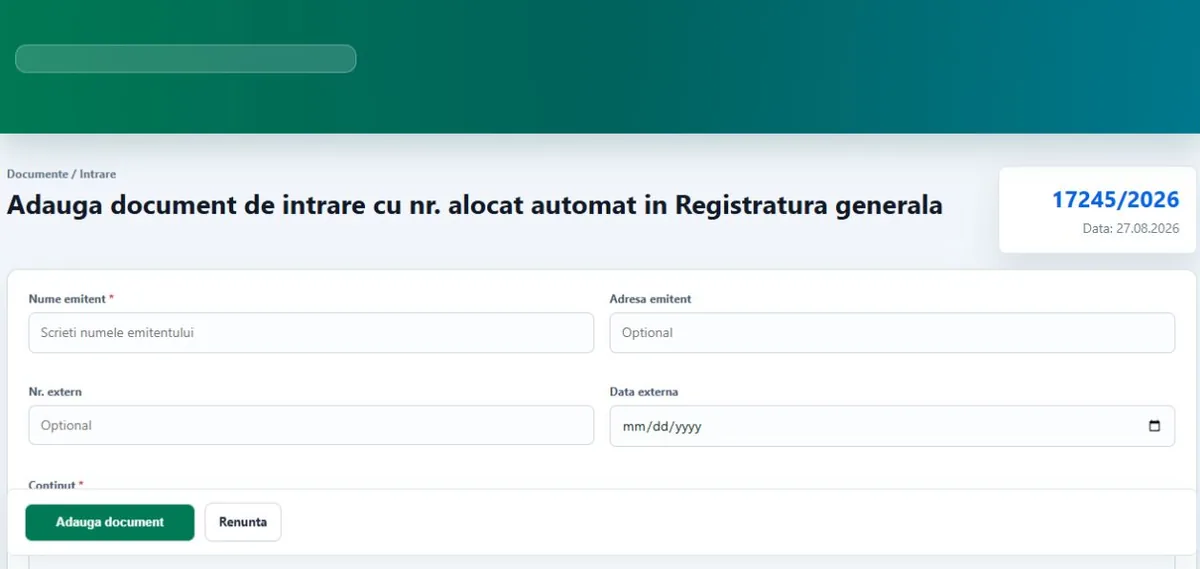
Incoming and outgoing documents automatically get the next number in the general register, with or without a response deadline.
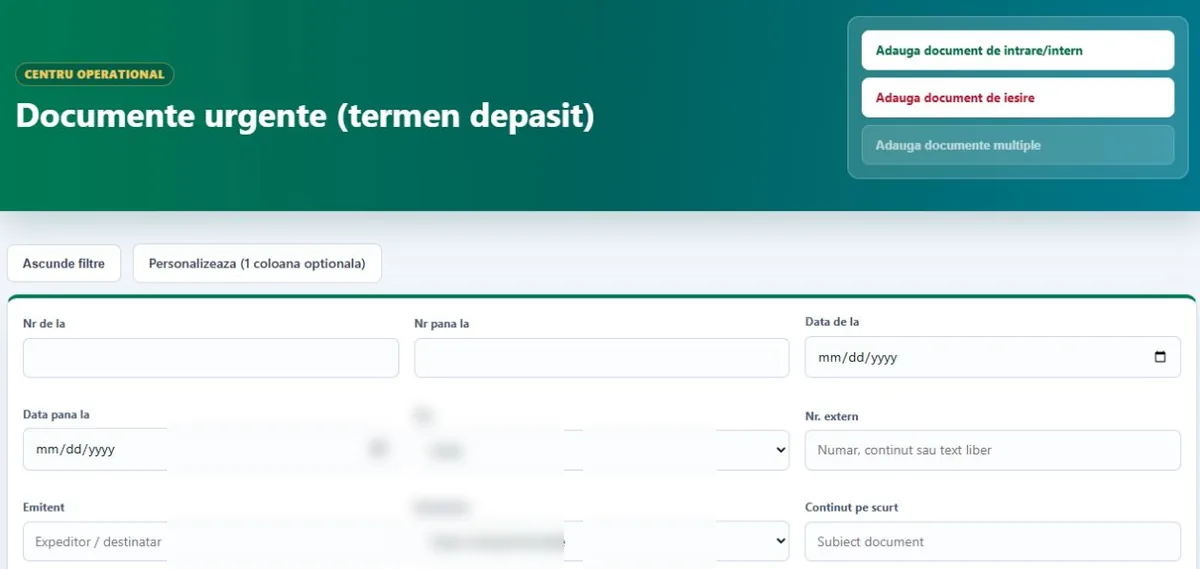
Documents past their deadline are separated automatically, so management can spot operational risks straight away.
Every active, unfinished document in one view, handy for tracking each department's workload.
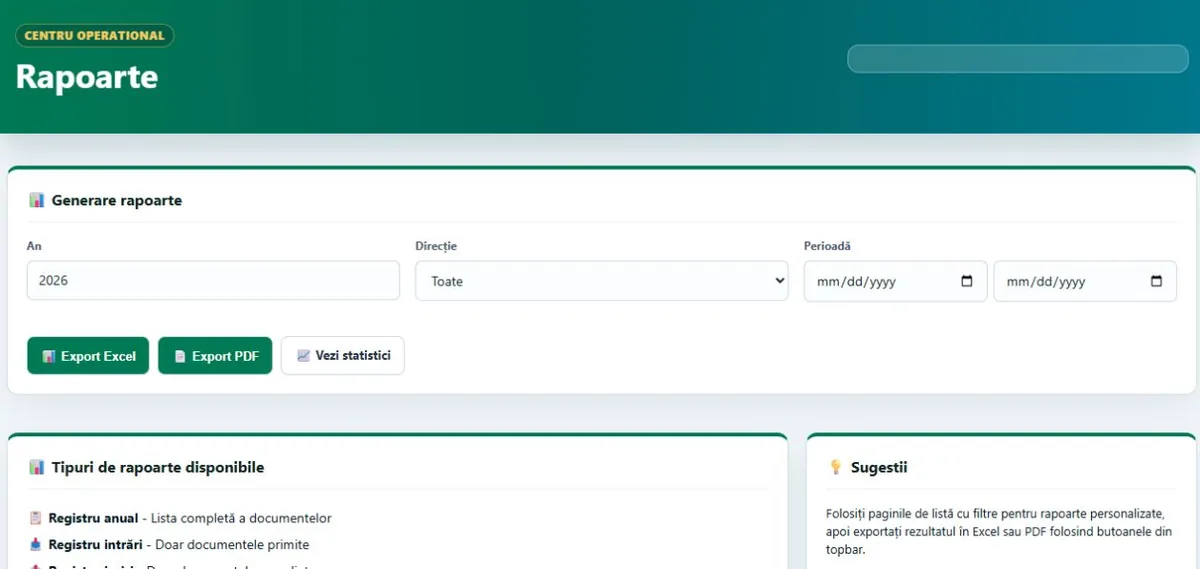
Annual register, incoming register, outgoing register and reports filtered by year, direction, department, status and period, exported to Excel or PDF.
Incoming and outgoing volumes by month and by year, with visual indicators for activity and resource planning.
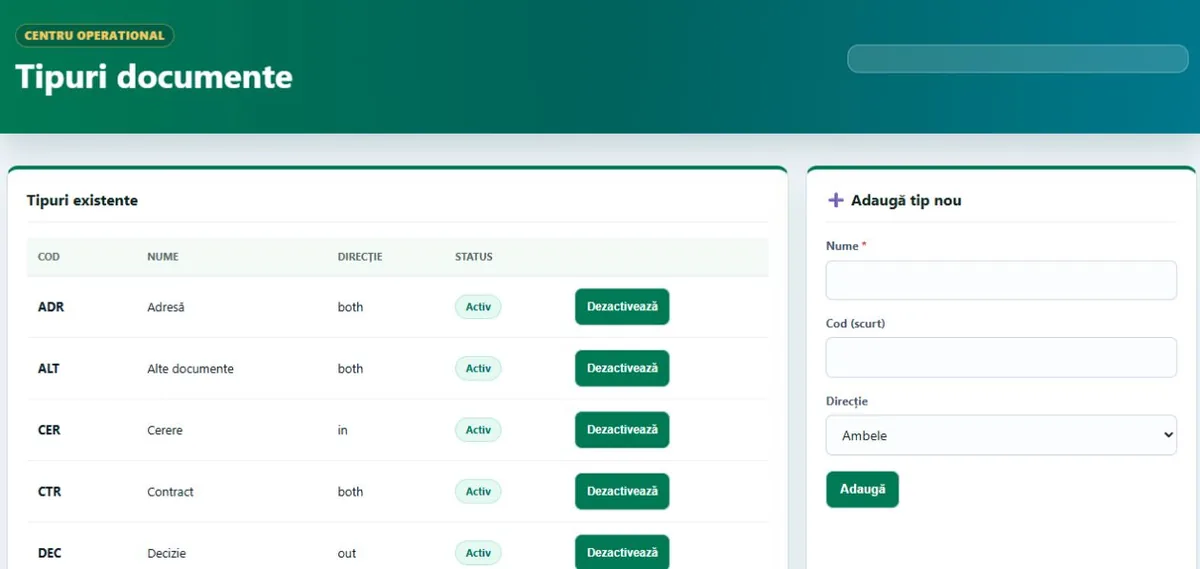
The organisation's structure with hierarchy levels, plus a catalogue of document types with internal codes, direction and status.
Accounts with per-department access and a clear split between viewing, editing and administration.
Security
Every document has a history, and every important action leaves a trail.
Important actions in the system are recorded and can be filtered by user, period and action type, which helps with internal checks and audits.
Assignments, status changes, attachments and edits stay in each document's history.
Administrators and operators have different rights, and user access can be limited to specific departments.
The platform runs on the institution's internal network, with storage locations set by the administrator.
The database can be exported and imported straight from the server settings, for operational safety.
Standardised document types and departments keep the register easy to filter, report on and audit.
Deployment
The platform can run locally on a single computer or as a server on the institution's internal network.
Together we define departments, document types and users to match how your organisation actually works.
The platform is installed on your own server and the administrator configures storage locations.
Registry staff and departments are trained on the daily workflow: registering, assigning, deadlines and reports.
We stay on for maintenance and build custom features on request.
Gallery
Real screenshots from the platform. Operational data has been blurred.
FAQ
Public institutions and companies that handle a steady flow of incoming and outgoing documents and want one register with deadlines, assignments and reports.
Yes, to Excel and PDF, filtered by year, direction, department, status or period.
In the audit log and in the document's own history, which keeps assignments, status changes and attachments.
Yes. Departments, document types and user permissions are configurable, and we build custom features for specific requirements.
We'll walk you through the software and tailor it to your processes. Write to us or call 0740 902 102.
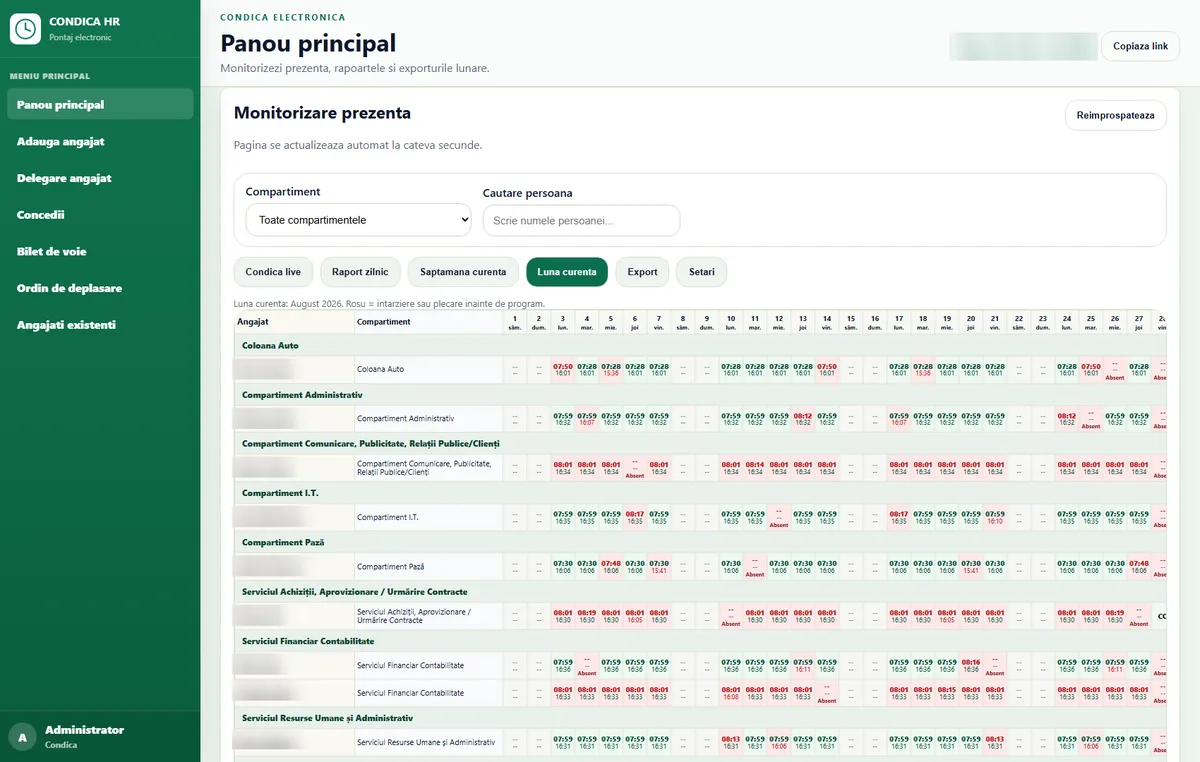
PIN and photo clock-in on an entrance tablet, monthly reports by department, leave tracking and data kept on-premise, with no cloud.
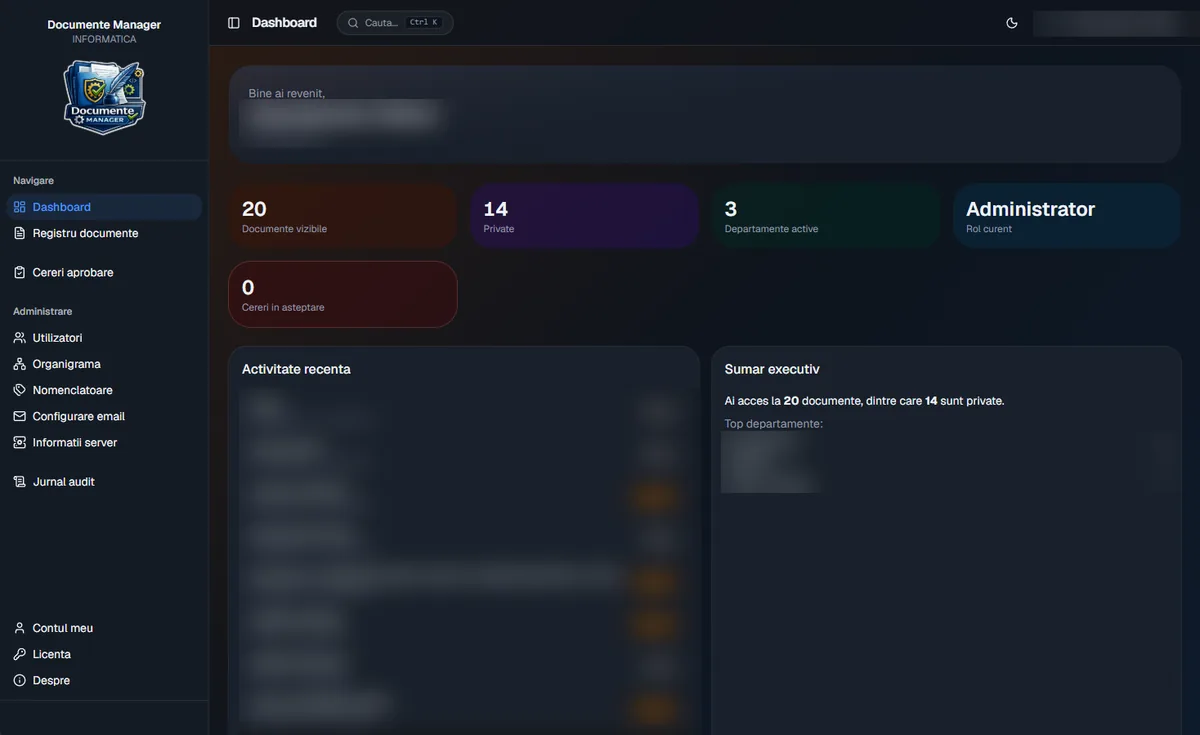
A Windows app with its own on-site server: scanning and OCR, approval workflow, contract expiry reminders and an audit log.
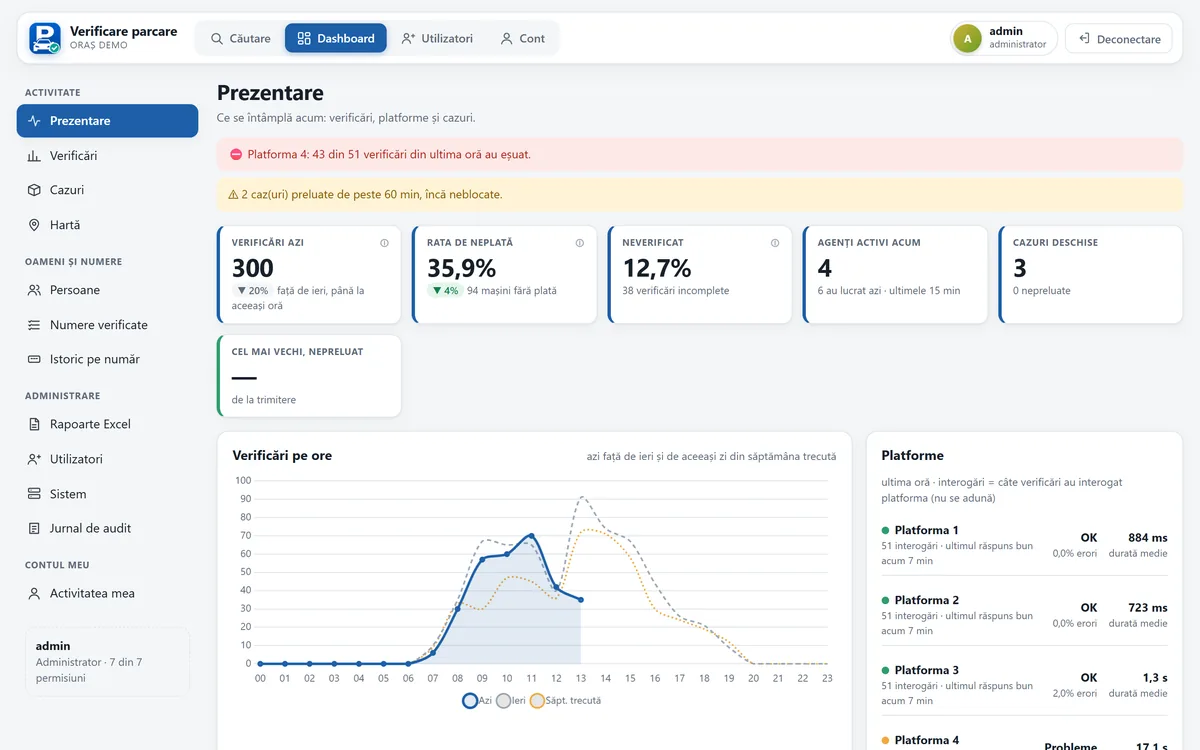
Checks every parking payment platform at once, reads number plates on Android, runs the wheel-clamping workflow, with dashboard and reports.